Alert delivery and troubleshooting
An alert has four independent parts: the query, the evaluated points, the threshold state, and notification delivery. Check them in that order so an email problem is not confused with a query that returned no eligible data.
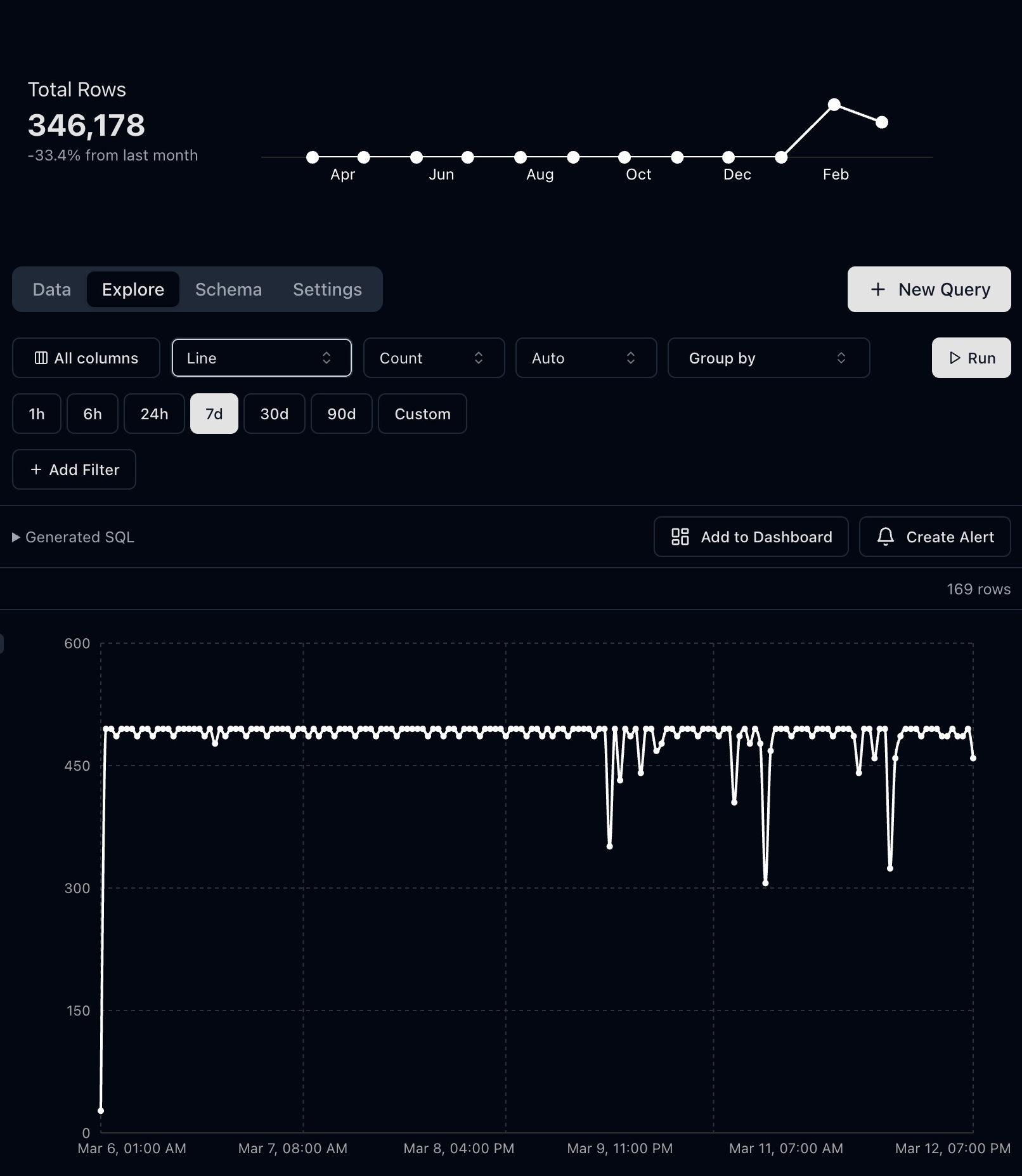
Hourly p95 latency from synthetic API events, with Monitor this result ready to open alert settings.
Use Monitor this result (or Monitor result in the toolbar) to open alert settings. Verify the query and recipients before confirming with Create Alert.
Verify the query manually
Open the saved Explore or SQL query and run the same time range used by the alert. Confirm it returns a numeric value and a chronological timestamp column when the alert evaluates a series.
Use complete buckets. The newest point may still be changing, so enable Ignore last data point when a partially filled bucket could cross the threshold.
Verify the condition
Check:
- aggregation such as average, maximum, sum, or p95
- number of recent points
- comparison operator
- threshold and unit
- evaluation interval
- minimum traffic or denominator safeguards in the query
An error-rate alert should return both failures and requests before calculating the percentage. A latency alert should state whether the value is milliseconds or seconds.
Inspect evaluation history
Open the alert detail page and review recent evaluation status and events. Distinguish:
- no data returned
- query execution failed
- points evaluated but did not breach
- breach detected
- notification delivery attempted
If the query fails, run it in the Query workspace and inspect table names, field types, SQL compatibility, and the configured timestamp column.
Check recipients and email delivery
Confirm recipient addresses are current and do not contain spaces or copy-and-paste artifacts. Check spam filtering and allow messages from the configured Telemetry sender. Use a controlled test threshold during setup, then restore the production threshold after delivery is confirmed.
Do not repeatedly lower a production alert threshold merely to test it. Clone or temporarily isolate the test when paging or revenue workflows could be affected.
Reduce noise safely
Require multiple complete points, minimum volume, or an absolute impact threshold before notifying. Send informational lifecycle changes to scheduled review; reserve immediate alerts for conditions with a clear owner and response.
Read Alerts, then use the alert guidance included with every SQL recipe.