事件结构
查询期望的字段
| 字段 | 类型 | 为什么存在 |
|---|---|---|
| timestamp_utc | Timestamp | 事件发生时。 |
| job_id | Utf8 | 一项作业的每个事件共享的标识符。 |
| job_name | Utf8 | 稳定的逻辑作业名称。 |
| event_name | Utf8 | job_started、job_completed 或 job_failed。 |
| queue_name | Utf8 | 拥有该作业的队列。 |
DataFusion SQL
复制查询
sql
WITH started AS (
  SELECT
    job_id,
    job_name,
    queue_name,
    MIN(timestamp_utc) AS started_at
  FROM job_events
  WHERE event_name = 'job_started'
    AND timestamp_utc >= now() - INTERVAL '24 hours'
  GROUP BY job_id, job_name, queue_name
),
finished AS (
  SELECT
    job_id,
    MAX(timestamp_utc) AS finished_at
  FROM job_events
  WHERE event_name IN ('job_completed', 'job_failed')
    AND timestamp_utc >= now() - INTERVAL '24 hours'
  GROUP BY job_id
)
SELECT
  s.job_id,
  s.job_name,
  s.queue_name,
  s.started_at
FROM started s
LEFT JOIN finished f ON s.job_id = f.job_id
WHERE f.job_id IS NULL
  AND s.started_at < now() - INTERVAL '15 minutes'
ORDER BY s.started_at ASC;
此只读查询是针对空类型表计划和执行的 阿帕奇 DataFusion 45.2.0。确定性样本输出是综合的并单独审查;根据您自己的数据验证字段类型、阈值和业务定义。 阅读测试方法。
查询结果
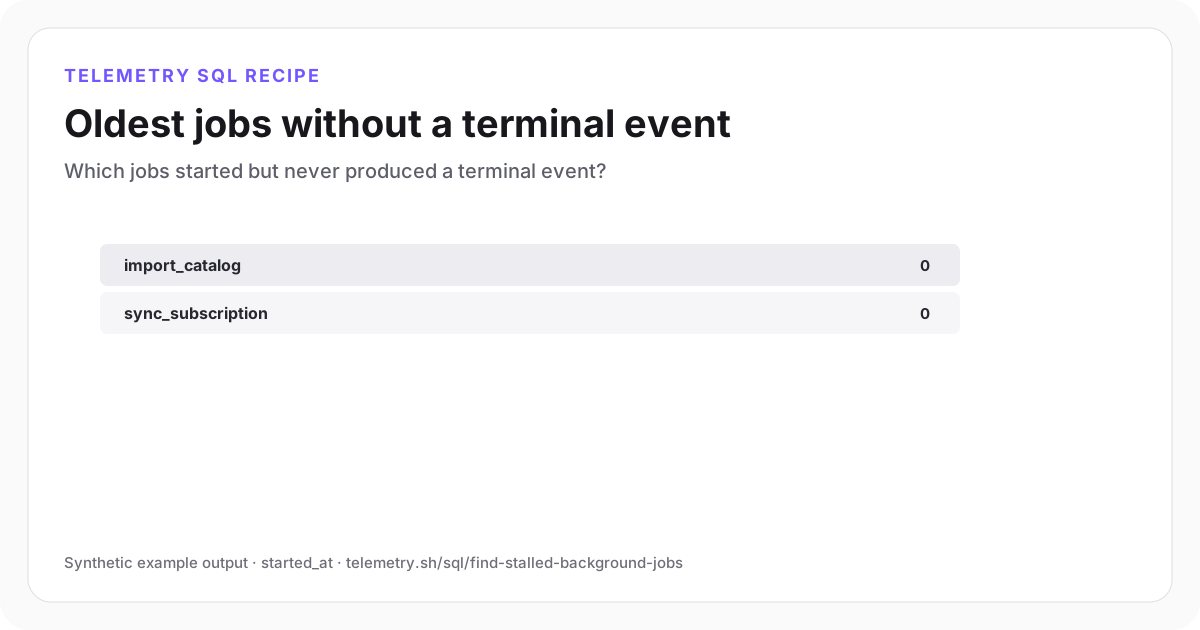
没有终止事件的最古老的作业
表保存操作员检查或重播工作所需的标识符。
| job_id | job_name | queue_name | started_at |
|---|---|---|---|
| job_7f31 | import_catalog | imports | 2026-07-27 15:02:11Z |
| job_801c | sync_subscription | billing | 2026-07-27 15:19:43Z |
综合示例输出。在将其用于操作决策之前,针对您自己的事件架构和阈值运行查询。
SQL 是如何工作的
- 1第一个 CTE 保留每个逻辑作业的最早开始时间。第二个保留最新的终端事件。
- 2即使不存在匹配的完成或失败,LEFT JOIN 也会保留已启动的作业。
- 3十五分钟阈值是停滞的操作定义。根据预期的工作持续时间来设置它,而不是盲目复制它。
需要检查的边界情况
- 长时间运行的作业需要特定于作业的阈值或心跳事件。
- 迟到的事件可能会暂时产生误报;当摄取可能滞后时,延迟最新的存储桶。
- 重用的 job_id 将加入不相关的运行,因此每个逻辑执行的 ID 必须是唯一的。
推荐仪表板
- 统计:当前停滞的作业数
- 表:最旧的停滞作业 job_id 和 queue_name
- 折线图:按天检测的停滞作业
设置此查询需要的事件
相关埋点和指南
继续分析
在你的事件上运行
创建表,调整字段并保存结果
免费开始,发送结构化事件,并将查询结果用作图表、共享仪表板小部件或警报输入。